Click on Category in Table for Help
After you answer a question, you can click on the
arrow to log your answer and move onto the next question. If you want to go back and make a change, click on the
arrow and change your answer. You can always change any answer until you click on the
button at the top of the screen.
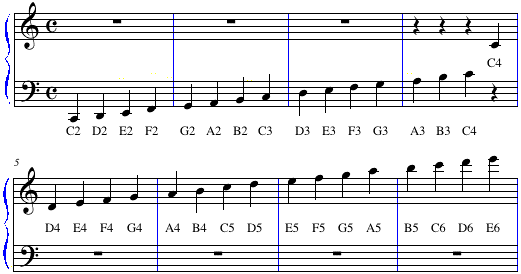
MIDDLE C (C4) AND OTHER PITCHES IN RELATIONSHIP
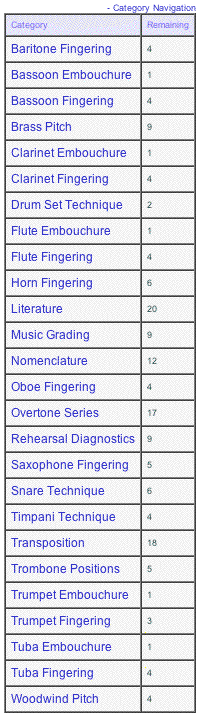
At the right of the screen you see the Category Navigation table. You can see the test categories and the remaining number of questions in each category. As you continue to answer questions, the remaining number of questions will go down until you hit zero in each category.
If you want to jump to a certain test category, click on the category name and you will jump to that section of the test. You can then use the
If you click on a category with only a few questions remaining, it will transfer you to the next unanswered question in that category.
Be sure that all of the remaining questions are at zero when you click on the
top of page If a question has a graphic associated with it, you can move the graphic box anywhere on the test screen so you can see the answers. The graphic box will stay in this position until you move it again. You can customize the location of this graphic box on your own test screen.
top of page

top of page
top of page
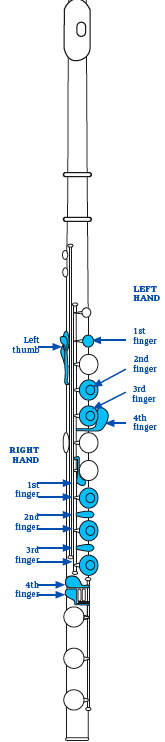
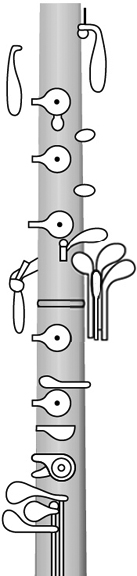
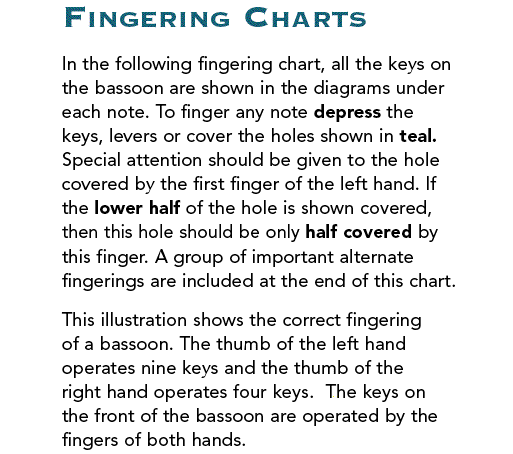
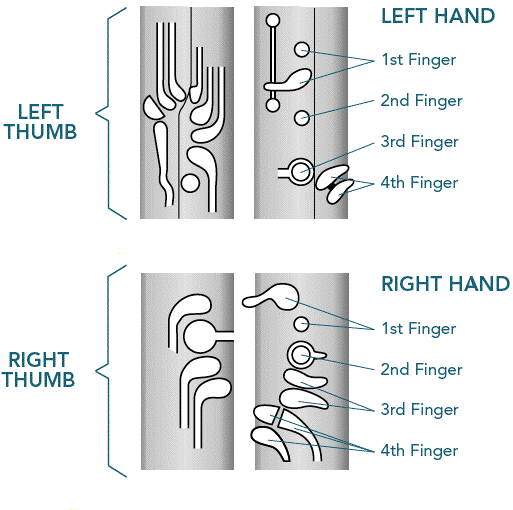
Half-Hole Technique: It is important that both halves (top and bottom) of the 1st finger are selected if the entire hole is covered for that fingering. Only select the bottom half of the 1st hole if the fingering requires a half-hole technique.
top of page
top of page
top of page Type your answer in the box provided. You can always come back to your answer and change/add text at anytime during the test. If you take longer that 15 minutes on one essay, be sure to move ahead one question and then back so it will save your answer. If you don't do this, you will lose what you have typed after a 15-minute auto timeout.
When you are done with the test, be sure to click on the
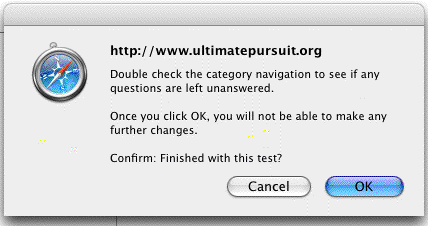
Be sure to double check the category navigation to see that all question have been answered. Be sure that all remaining questions are at zero before you confirm that you are finished with the test. It is NOT possible to make any changes to your test after you click the "OK" button.
top of page